Capture anything
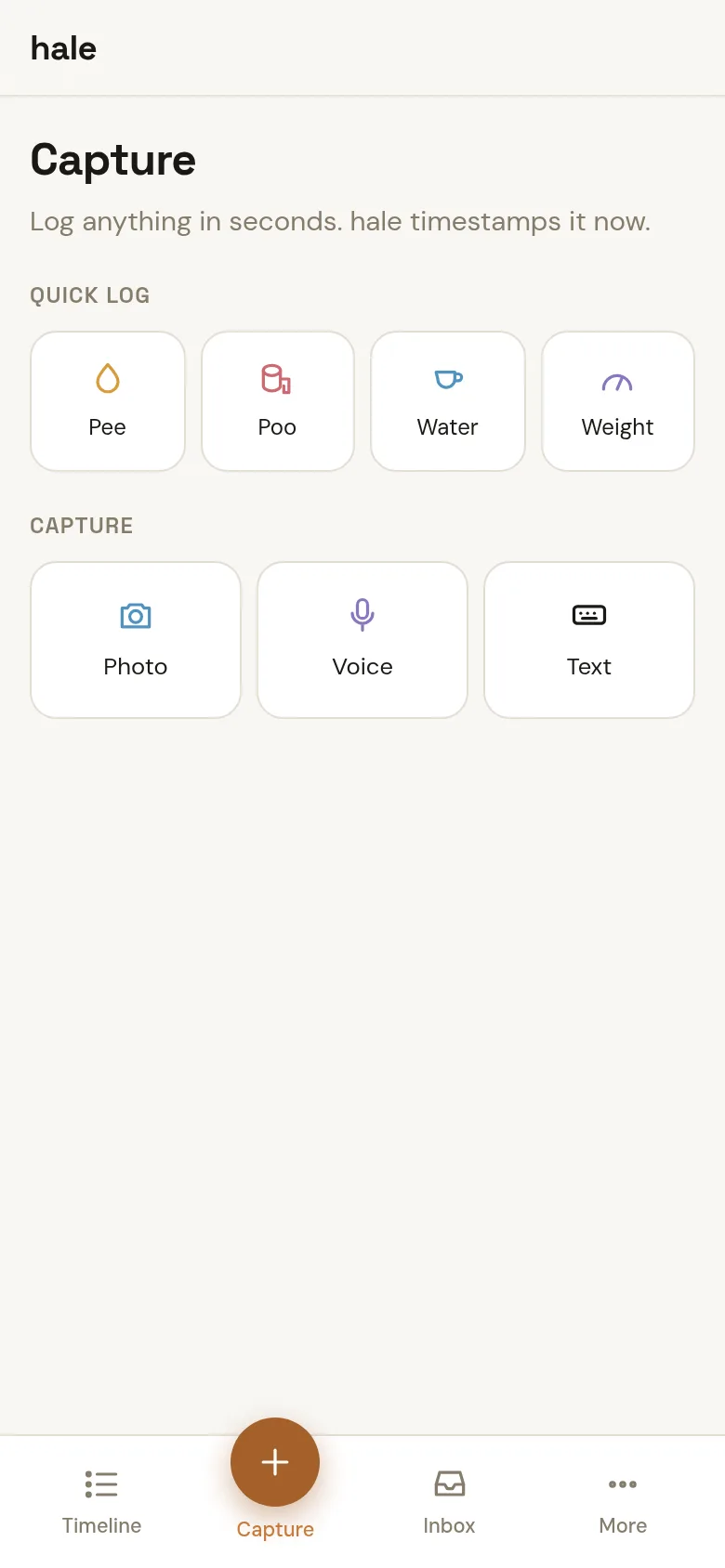
A photo of your plate, a voice note about how you slept, a line of text — or one tap for water, pee, poo and weight. hale timestamps it on the spot.
A personal health journal
hale keeps meals, drinks, symptoms, measurements, meds and bathroom events on one timeline. Snap a photo, say it out loud, or tap once — and look back at a record you actually kept, instead of five apps you gave up on.
What it does
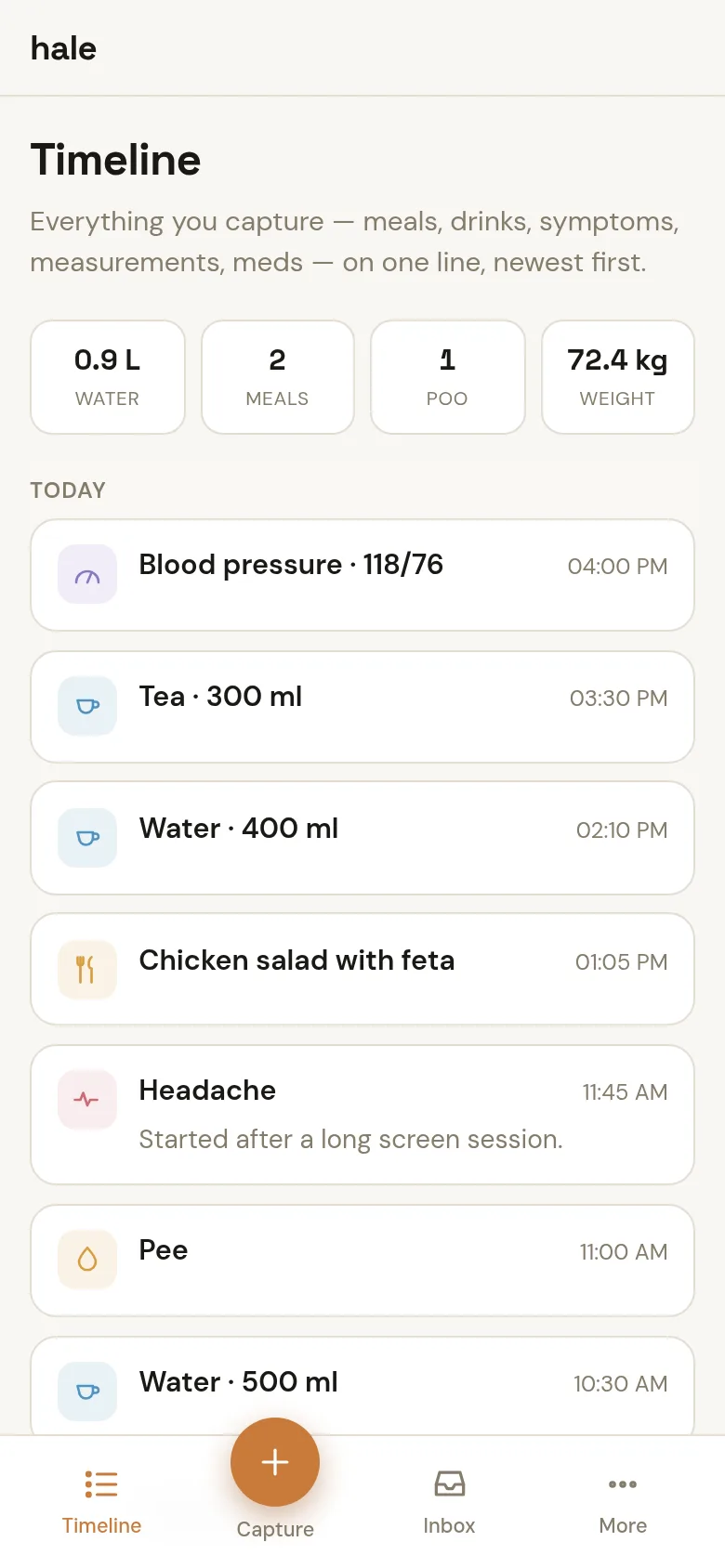
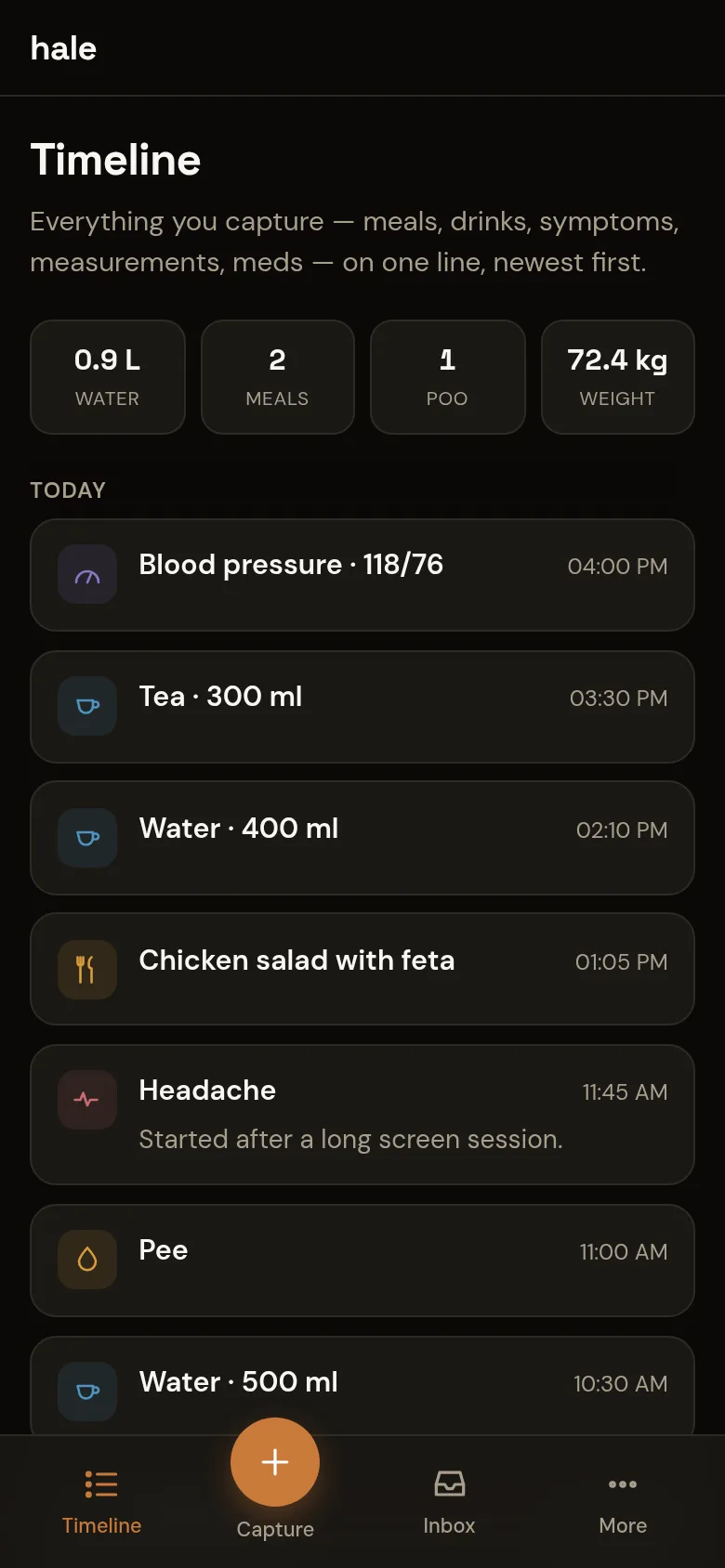
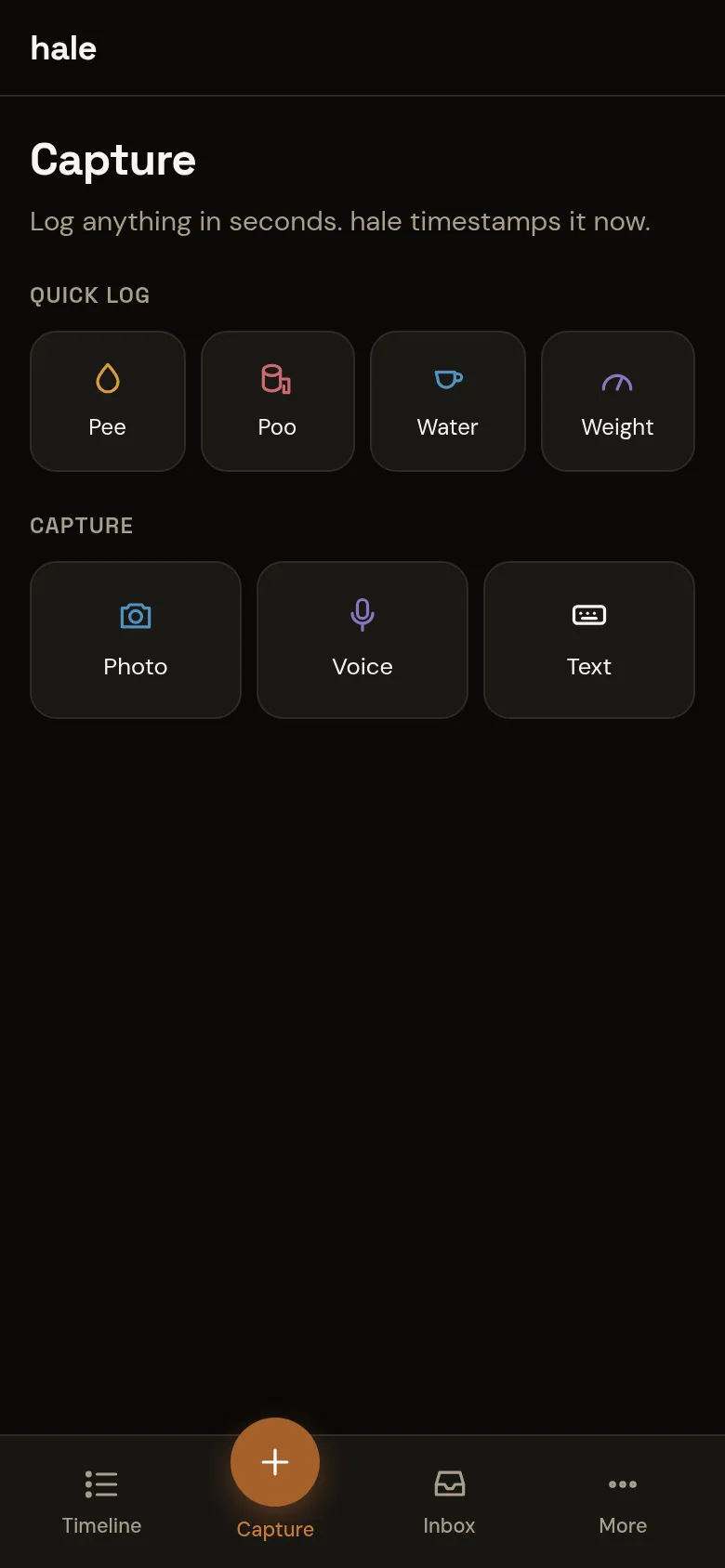
The screens above are the real app, running with a day of sample entries.
A photo of your plate, a voice note about how you slept, a line of text — or one tap for water, pee, poo and weight. hale timestamps it on the spot.
Captures go into an on-device queue first and upload when you're back online, so a dead zone never costs you an entry.
An AI model turns a photo or voice note into proposed entries — a lunch, a coffee, a headache with its severity. Quick taps skip the model entirely.
Proposals wait in the Inbox until you confirm, edit or reject them. Nothing the model guessed becomes part of your record on its own.
One timeline, newest first, with today's water, meals and weight at the top. Step through day by day, or open the table to scan by type.
Bristol scale, symptom severity and doses are there when you want them, in everyday labels — never a clinical form to fill in.
How it works
Use the big button from anywhere in the app. hale installs to your home screen as an app.
Your capture is read by the AI model the server is configured with, and comes back as one or more typed entries with a confidence.
Confirm, fix or reject each proposal in the Inbox. Confirmed entries join the timeline at the time they happened.
Your data
hale runs on a server you control. No ads, no analytics, no data broker in the loop.
Entries in a SQLite (libSQL) database, photos and voice notes in S3-compatible storage — both on the server you run.
Any OpenAI-compatible endpoint you point it at, including a local Ollama. Leave it unset and hale still works, without AI parsing.
Sign-in is invite-only: an allowlist of email addresses decides who has an account. Each person sees only their own entries.
Get started
There's no public sign-up yet. With access to the repository, hale runs locally with Bun in four commands.
bun install
cp .env.example .env    # local sign-in bypass is on by default
bun run db:migrate      # create the SQLite schema
bun run dev             # app on http://localhost:52811
Add an OpenAI-compatible model in .env to turn on photo and voice parsing. docker compose up runs the full stack instead.